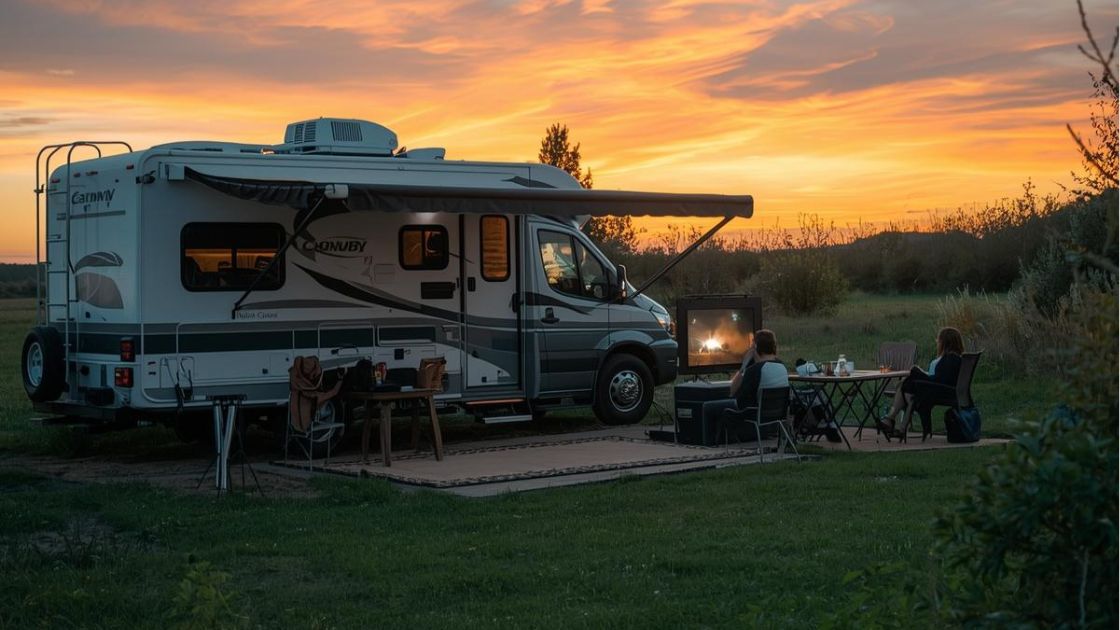
Streaming TV in an RV sounds easy—until you actually try it.
Between weak signals, limited data plans, and inconsistent speeds, watching your favorite shows on the road can quickly turn into a frustrating experience.
This guide breaks down the best streaming setup for RV living, including which internet options work best, how much data you really need, and how to avoid the most common mistakes.
The Reality of Streaming in an RV
Unlike home internet, RV streaming comes with trade-offs:
- Speeds change depending on your location
- Coverage varies by carrier
- Most plans have data limits or slowdowns
The key isn’t finding the “best” streaming service—it’s building a setup that works anywhere.
Best Internet Options for RV Streaming
Hotspot Plans (Most Flexible)
Using your phone or a dedicated hotspot is the most common option for RV travelers.
- Works almost anywhere with cell coverage
- Easy to set up
- Often includes data caps or throttling
Best for: Travelers constantly on the move
5G Home Internet (Best for Staying Put)
If you’re parked for a while, 5G home internet can be a great option.
- More stable than hotspots
- Better for streaming TV regularly
- Limited availability in rural areas
Best for: RV parks, long stays, or seasonal setups
Satellite Internet (Last Resort)
Satellite works in remote areas where cellular coverage is weak or nonexistent.
- Available almost anywhere
- Higher latency (can affect streaming quality)
- More expensive
Best for: Off-grid or remote camping
Best Streaming Services for RV Life
Best for Offline Downloads
Download shows ahead of time to save data when you have WiFi access.
Best for Live TV
Watch sports and live channels on the go, but be aware of location restrictions.
Best for Saving Data
Adjust video quality manually and avoid auto-play or 4K streaming.
How Much Data Does Streaming Use?
Streaming can consume data quickly depending on quality:
- SD: ~1 GB per hour
- HD: ~3 GB per hour
- 4K: ~7–10 GB per hour
Example: A 50GB hotspot plan gives you roughly 15–20 hours of HD streaming per month.
Tip: Lowering video quality is the easiest way to extend your data.
Best RV Streaming Setup
Basic Setup
- Smartphone hotspot
- Streaming device (Fire Stick, Roku, or smart TV)
- Download content when on WiFi
Advanced Setup
- Dedicated hotspot device
- External antenna for better signal
- Signal booster for weak areas
This setup gives you more reliable streaming, especially in rural areas.
Common RV Streaming Mistakes
- Streaming everything in 4K (uses data very fast)
- Not downloading content ahead of time
- Choosing a carrier with poor coverage in your travel areas
- Relying on a single internet source
A simple fix: Always have a backup option if streaming matters to you.
How to Choose the Right Carrier
When it comes to RV travel, coverage matters more than speed.
- Some carriers perform better in rural areas
- Others dominate in cities and highways
- No single network is best everywhere
Smart strategy:
- Test coverage before committing
- Consider having access to more than one network
- Choose plans with flexible data options
Final Thoughts
Streaming TV in an RV is completely doable—you just need the right setup.
By choosing the right internet option, managing your data, and optimizing your streaming habits, you can enjoy your favorite shows from almost anywhere.
At The Telecom Doctor, we typically recommend flexible, lower-cost plans with strong coverage so you can stream without overpaying or dealing with surprise slowdowns.